
The Steam Deck is an amazing handheld gaming device, perfect for playing PC games on the go. But did you know you can also run Android apps on your Steam Deck? Yes — with a little setup, you can install APKs to access streaming apps, productivity tools, or even mobile games that aren’t available on PC.
In this guide, we’ll explain step by step how to use APKs on Steam Deck, plus tips to make it safe and smooth.
Tell You About APK?
An APK is the file format used to install Android apps. Think of it like an .exe file on Windows. APKs let you install apps outside of the Google Play Store, which is useful if you want apps that aren’t officially available or if you’re trying a beta version.
Since Steam Deck runs SteamOS (Linux-based), you can’t just double-click an APK — you’ll need an emulator or Android compatibility layer to run Android apps.
What You’ll Need
Before getting started, make sure you have:
- Steam Deck in Desktop Mode – This allows you to install software outside of Steam.
- Android Emulator – The most popular choices are:
- WayDroid (fast and modern)
- Anbox (stable, well-established)
- APK File – Only download APKs from trusted sources.
- Internet Connection – Needed to download the emulator and the APK.
Step-by-Step: How to Install APKs on Steam Deck

1. Switch to Desktop Mode
- Press the Steam button → Power → Switch to Desktop.
- This boots your Steam Deck into Linux desktop mode.
2. Install an Android Emulator
- WayDroid is recommended because it’s fast and easy to use.
- Follow these steps in the terminal:
sudo curl https://repo.waydro.id | sudo bash
sudo apt install waydroid
- Complete the initial setup and start WayDroid.
3. Download the APK
- Save the APK you want to install (for example, a streaming app or Android game) to your Downloads folder.
4. Install the APK
- Open WayDroid and either drag and drop the APK into the emulator or use the terminal:
waydroid app install /path/to/your.apk
5. Launch the App
- Open the app from the WayDroid interface and start using it like you would on an Android device.
Tips for a Better Experience
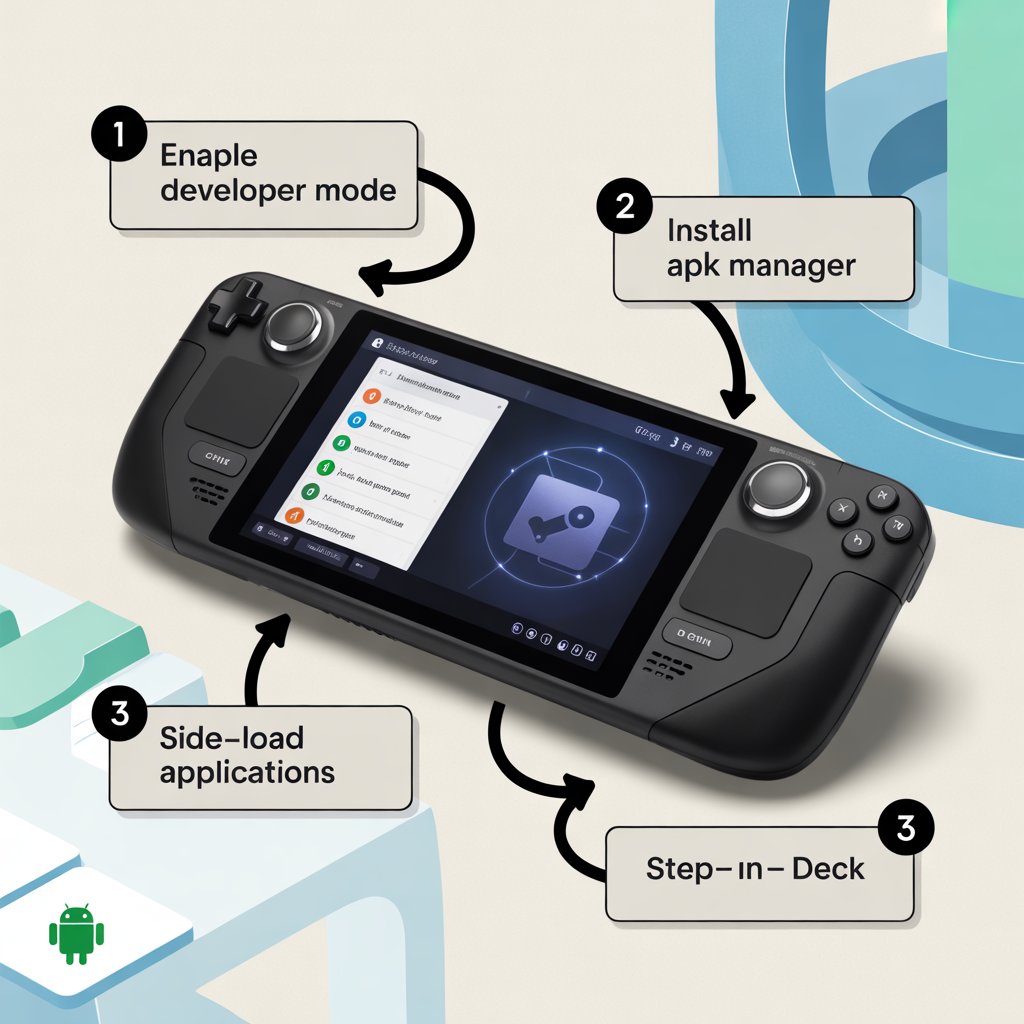
- Use the Touchscreen or Controller: Some apps are touch-based, but the Steam Deck touchscreen or controller mapping works great.
- Keep Emulators Updated: New versions of WayDroid and Anbox improve performance and stability.
- Use Trusted APKs Only: Avoid apps from shady sources to protect your Steam Deck from malware.
Safety and Legal Considerations
- Security: Always scan APK files before installing.
- Legality: Some apps, like certain streaming APKs, may be illegal in your region. Check local laws.
- Performance: Running APKs via an emulator uses system resources, so some apps may run slower than on a native Android device.
What Apps Can You Run?
- Streaming apps: BeeTV, Cinema HD, or other Android media apps.
- Utilities: File managers, VPN apps, productivity apps.
- Mobile Games: Retro or casual Android games.
Final Thoughts
Running APKs on your Steam Deck is a great way to expand its capabilities beyond PC games. Using WayDroid or Anbox, you can access Android apps, streaming tools, and games — all from your handheld device.
Just remember to download from trusted sources and follow safety tips, and your Steam Deck will become not just a portable gaming console, but a fully functional Android device.
FAQs
Yes. You can install APKs on Steam Deck using Android emulators like WayDroid or Anbox in Desktop Mode.
Using WayDroid is recommended for performance and compatibility. Anbox is another alternative.
Only download APKs from trusted sources and scan them with antivirus software. Avoid apps that may violate copyright.
Yes. Desktop Mode allows you to install emulators and APKs on the Linux-based Steam Deck.
Yes. Using an Android emulator, you can run Android games and apps directly on your Steam Deck.
Running APKs through an emulator uses extra system resources. Performance may vary depending on the app and emulator used.
Facebook comments